 Nibble
A tiny pet, fed by your numbers.
Nibble turns any number you care about — steps, revenue, water, words written — into a Home Screen widget and a pixel pet whose mood follows your progress.
Coming soon on theApp Store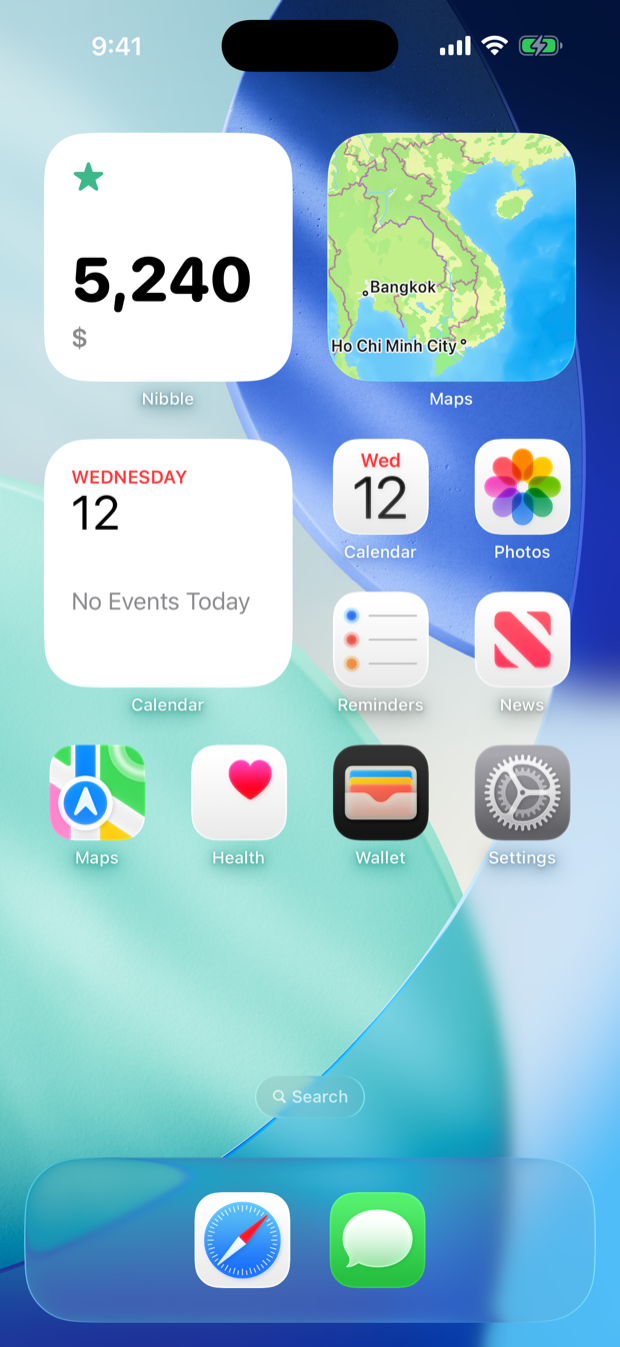
How it works
1Pick a number
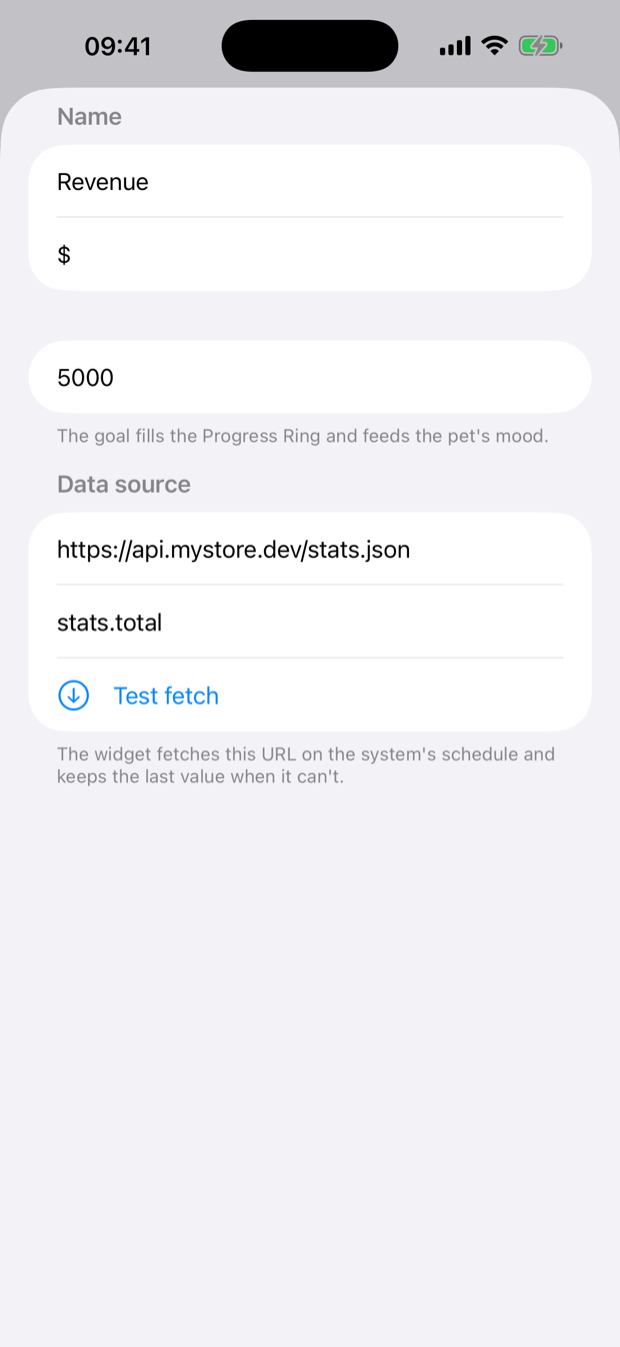
Tap a preset — Steps, Water, Bitcoin, Ethereum — or bring your own with the “Set Nibble Value” Shortcuts action or any JSON URL.
2Pick a layout
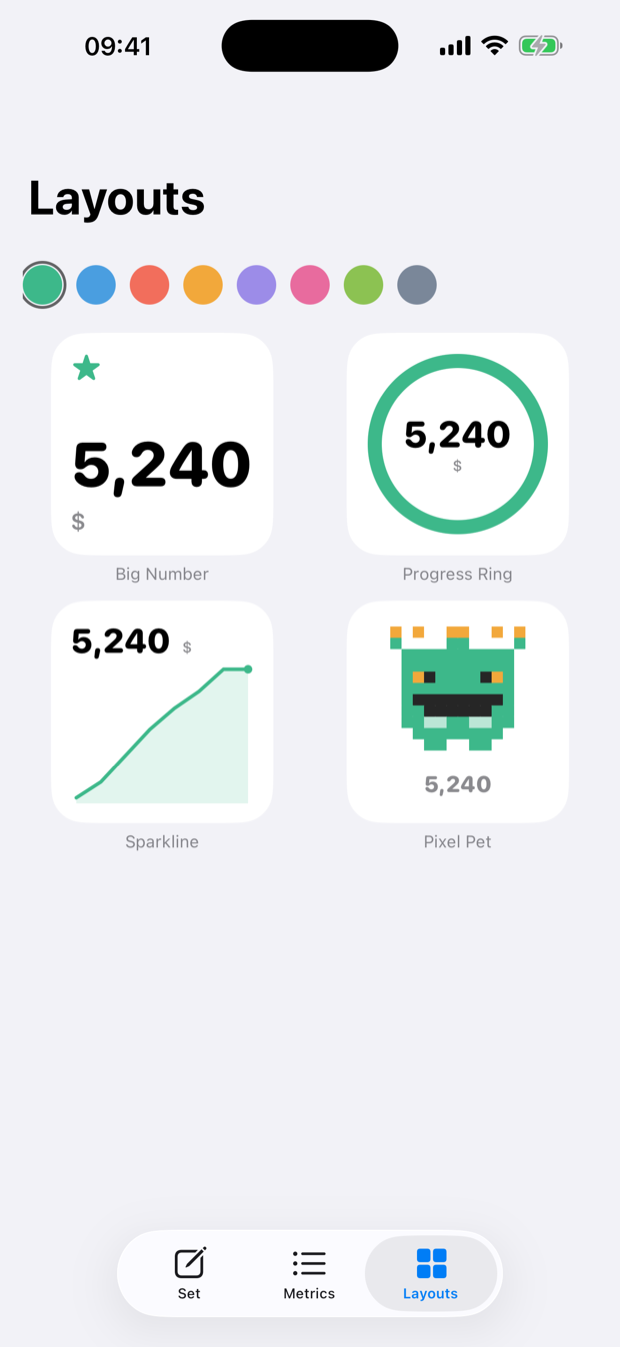
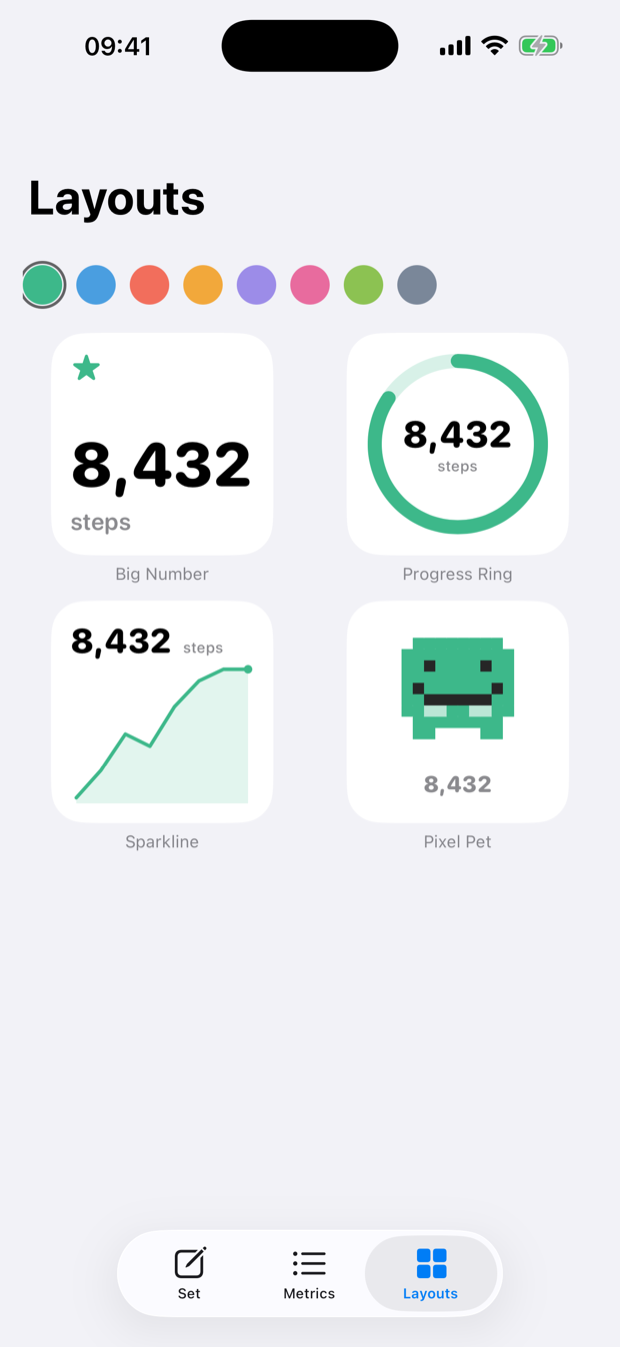
Big Number, Progress Ring, Sparkline, or Pixel Pet. Eight accent colors, friendly rounded type.
3Add the widget
Home Screen or Lock Screen. Set a goal and watch the ring fill — and the pet react. Beat the goal and it celebrates; fall behind and it gets hungry.
No code, no account, no tracking.
Everything stays on your device — the App Store privacy label says “Data Not Collected” because there is nothing to collect. Apple Health is read-only, and Nibble never transmits your numbers anywhere. Widgets refresh on iOS's schedule and keep the last value when offline. Honest by design.
Read the privacy policy →
Everything stays on your device — the App Store privacy label says “Data Not Collected” because there is nothing to collect. Apple Health is read-only, and Nibble never transmits your numbers anywhere. Widgets refresh on iOS's schedule and keep the last value when offline. Honest by design.
Read the privacy policy →
Simple pricing
Free
$0
One metric, forever — as a Big Number or as your pixel pet. Lock Screen widgets, “+1” tapping and share cards included.Nibble Pro
$4.99
One-time purchase. Unlimited metrics, and all four layouts on every one of them. No subscription.